How to check Unity Bank account balance
Managing your finances effectively starts with knowing exactly how much money you have in your account at any given time. Whether you are planning a major purchase, paying bills, or simply keeping an eye on your monthly budget, having quick and reliable access to your account balance is essential. For customers of Unity Bank, one of Nigeria’s leading retail banks, there are several ways to stay updated on your financial status.
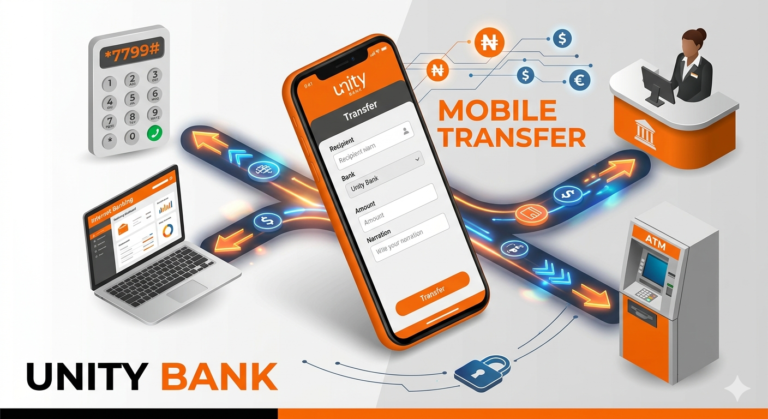
The bank has invested heavily in digital infrastructure to ensure that checking your balance is no longer a task that requires a physical visit to a branch. From the convenience of USSD codes to the robust features of mobile apps and internet banking, you have multiple tools at your disposal.
Checking Balance via USSD Code
The most popular and arguably the fastest way to check your Unity Bank account balance is through the Unstructured Supplementary Service Data (USSD) method. This service, often referred to as the Unity Bank magic code, works on any type of mobile phone, including basic feature phones that do not have internet capabilities.
To check your balance using this method, follow these steps:
-
Dial the code: Using the mobile number linked to your Unity Bank account, dial
*7799#. -
Navigate the menu: After dialing the code, a menu will appear on your screen. Select the option for Balance Enquiry by typing the corresponding number and clicking send.
-
Authentication: You will be prompted to enter your 4 digit PIN. This is the security PIN you created during your USSD registration.
-
Confirmation: Once the PIN is verified, your current account balance will be displayed on your screen, and you will typically receive a follow up SMS with the same information.
If you want to bypass the menu and go straight to the balance check, you can use the direct string *7799*0#. This shortcut saves time and gets you the information in seconds.
Benefits of USSD Banking
-
No Internet Required: This is the biggest advantage. You can check your balance in areas with poor data coverage or when you have no active data plan.
-
Speed: The process takes less than a minute from start to finish.
-
Accessibility: It works on all mobile networks in Nigeria including MTN, Airtel, Glo, and 9mobile.
Using the Unity Bank Mobile App
For users with smartphones, the Unity Mobile app offers a more visual and detailed experience. This app is designed to be a one stop shop for all your banking needs.
How to Get Started
-
Download the App: Visit the Google Play Store or the Apple App Store and search for Unity Mobile.
-
Installation and Registration: Once downloaded, open the app. If you are a first time user, you will need to register by providing your account number and verifying your identity through an OTP (One Time Password) sent to your registered mobile number.
-
Set Up Security: You will be asked to create a login password and a transaction PIN.
Checking Your Balance
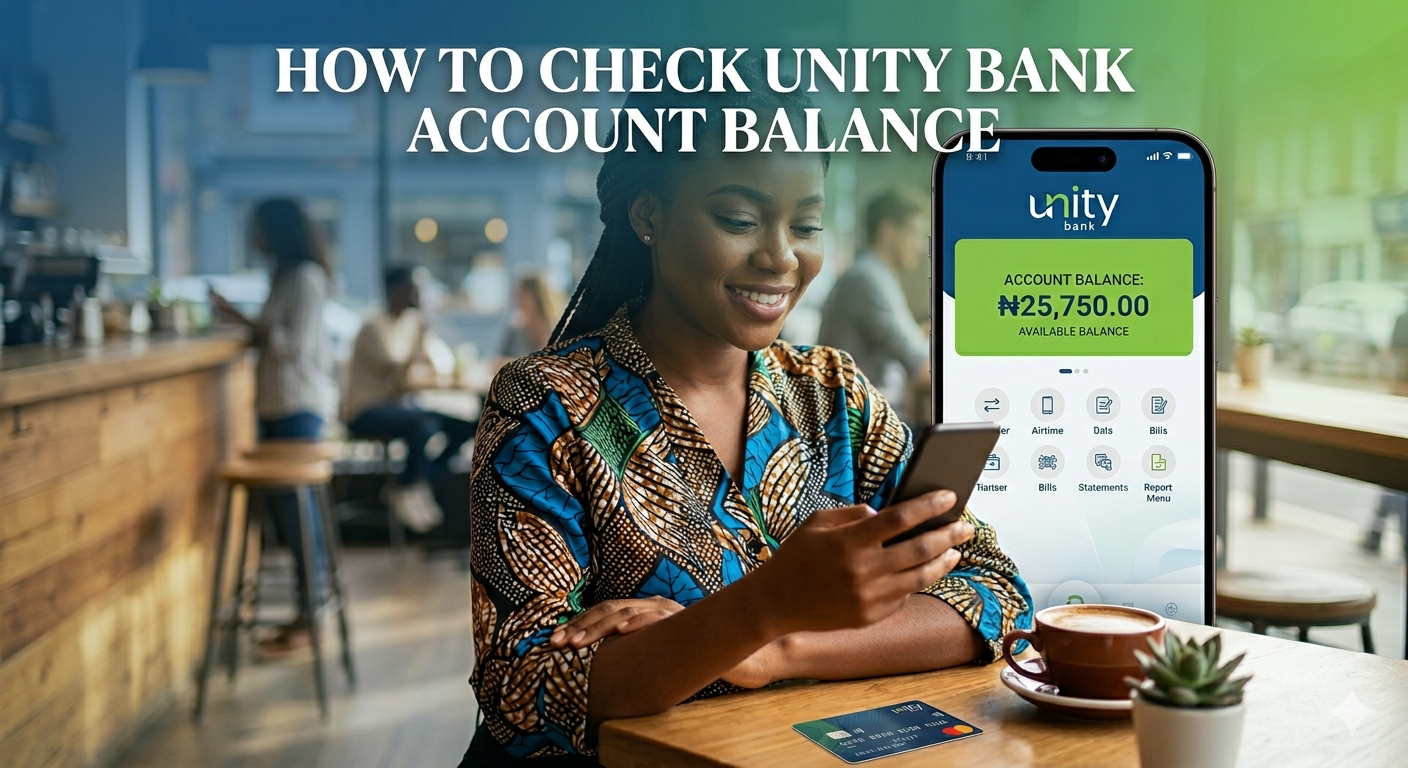
Once you are logged into the app, your account balance is usually the first thing you see on the dashboard. For security reasons, the balance might be masked with asterisks. To see the actual figures, simply tap on the Show Balance icon or eye symbol next to the account number.
The mobile app also allows you to view your transaction history, which is helpful if you notice a balance that is lower or higher than you expected. You can see exactly which transactions occurred and at what time.
Internet Banking for Desktop and Mobile
If you prefer using a web browser on your laptop or tablet, Unity Bank’s internet banking platform is a powerful alternative. This method is particularly useful for business owners or individuals who manage multiple accounts.
-
Visit the Website: Go to the official Unity Bank website.
-
Log In: Click on the internet banking portal and enter your username and password.
-
Dashboard View: After successful authentication, you will be redirected to your personal dashboard where all your linked accounts and their respective balances will be listed.
Internet banking provides a comprehensive view of your finances, allowing you to download statements in PDF or Excel formats, which is a step beyond just checking a single balance figure.
ATM and Branch Options
While digital methods are the most convenient, traditional methods are still available for those who are already out and about.
ATM Balance Inquiry
You can use any bank’s ATM to check your Unity Bank balance, although using a Unity Bank ATM is often free of charge.
-
Insert your Unity Bank debit card into the machine.
-
Enter your 4 digit ATM PIN.
-
Select the Inquiry or Balance Inquiry option from the main menu.
-
Choose your account type (Savings or Current).
-
The balance will be displayed on the screen, and you can choose to print a receipt if you need a physical record.
In Branch Assistance
If you are visiting a physical branch for other transactions, you can always ask a customer service representative or a teller for your balance. You will need to provide a valid means of identification and your account number. This is the least efficient way to check a balance, but it remains a reliable backup if you are experiencing issues with your phone or card.
Customer Care Services
Sometimes, technology can be temperamental. If the USSD code is down or you are locked out of your mobile app, you can reach out to Unity Bank’s customer care team.
-
Phone: You can call their dedicated helplines to speak with an agent who can verify your identity and provide your balance.
-
Email: Sending an email to the customer care address is also an option, though it is not recommended for urgent balance checks as responses may take a few hours.
-
Social Media: Unity Bank is active on platforms like X (formerly Twitter) and Facebook. While they won’t post your balance publicly, you can engage them via Direct Message for assistance with account issues.
Security Tips for Checking Your Balance
Security should always be your top priority when accessing financial information. Here are a few tips to ensure your account stays safe:
-
Never Share Your PIN: Whether it is your USSD PIN, ATM PIN, or App PIN, never give it to anyone, including people claiming to be bank officials.
-
Use Official Channels Only: Always ensure you are using the correct USSD code (
*7799#) and that you have downloaded the authentic app from an official store. -
Log Out: If you use internet banking on a public computer or a shared device, always remember to log out and clear the browser cache.
-
Monitor Alerts: Sign up for SMS and email alerts for every transaction. This ensures that you are notified immediately of any unauthorized movement in your account, acting as a secondary way to keep track of your balance.
Conclusion
Unity Bank has provided a variety of channels to ensure that every customer can access their account balance regardless of their location or the type of device they own. The USSD code remains the most accessible tool for the average user, while the mobile app and internet banking offer more depth for those who want to manage their finances digitally.
By staying informed about your balance, you take control of your financial health and protect yourself against errors or fraud. Choose the method that best fits your lifestyle and enjoy the peace of mind that comes with being in the know.