How to get my Access Bank Account Number: 7 Quick Ways
Forgetting your bank account number is more common than you might think. Whether you have just opened a new account or you simply haven’t used your Access Bank account in a while, there are several quick and easy ways to retrieve those ten digits. As one of Nigeria’s largest financial institutions, Access Bank has developed multiple digital and offline channels to ensure you are never stranded.
In this comprehensive guide, we will walk you through every available method to find your Access Bank account number in 2026. From USSD codes and mobile apps to social media and customer care, here is everything you need to know.
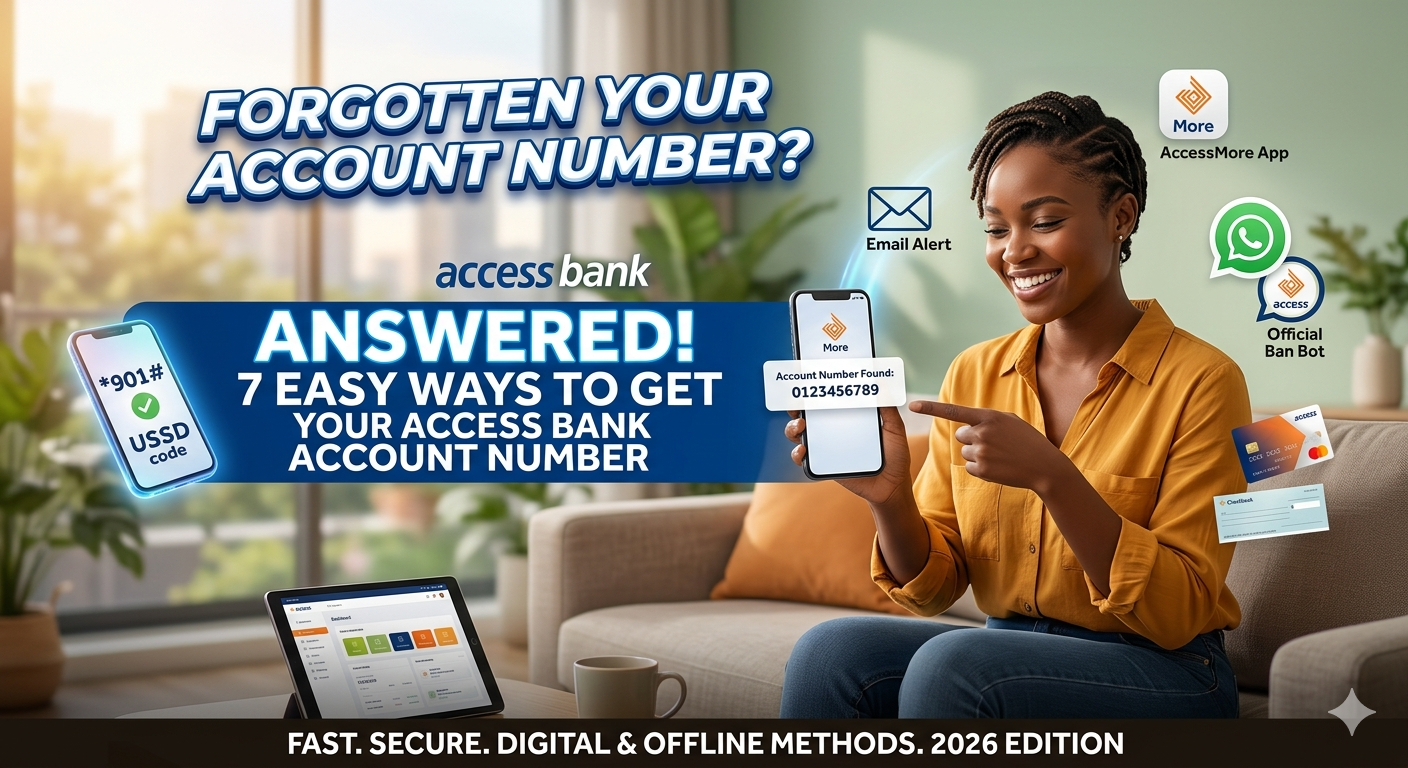
1. Use the Access Bank USSD Code
The USSD method is arguably the fastest way to retrieve your account number. It does not require an internet connection, making it ideal for situations where you have no data or a poor network signal.
To get your account number via USSD, follow these steps:
-
*Dial 901# from the phone number linked to your Access Bank account.
-
Select the option for “Balance Enquiry” or “Other Services.”
-
In most cases, choosing the balance enquiry option (Shortcut: 9015#) will display both your available balance and your 10-digit NUBAN account number on the screen.
-
You may also receive a follow-up SMS containing these details for your records.
Note: You must use the SIM card registered with the bank. If you use a different number, the system will not recognize you. Also, a small network charge (usually around 6.98 Naira) may apply per session.
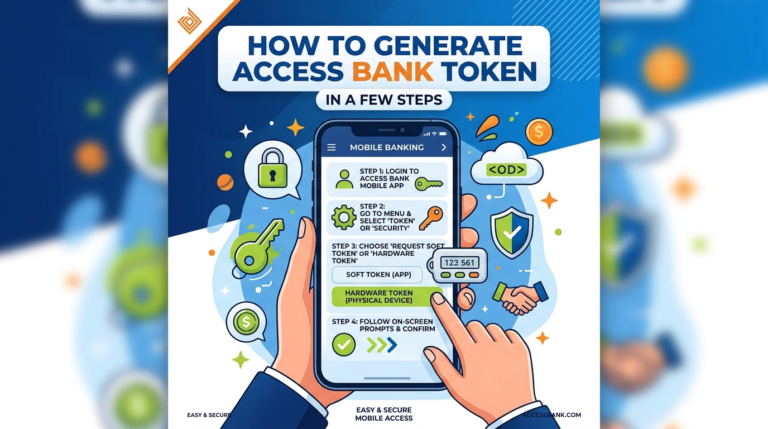
2. The AccessMore Mobile App
If you have a smartphone and an active data plan, the AccessMore app is your best friend. It provides a visual interface where all your account details are neatly displayed.
-
Open the AccessMore app on your Android or iOS device.
-
Log in using your biometric data (fingerprint or face ID) or your passcode.
-
On the Home Dashboard, your account number is usually visible right under your account name or balance.
-
If it is masked for security, tap the “Eye” icon or click on the account card to view the full details.
The app also allows you to share your account details directly via WhatsApp or email, which is very helpful if you need to send the number to someone for a transfer.
3. Access Bank WhatsApp Banking
Access Bank has a dedicated WhatsApp bot that can help with various inquiries, including retrieving your account number. This is a secure and encrypted way to interact with the bank.
-
Add the official Access Bank WhatsApp number to your contacts: 09090901901.
-
Open WhatsApp and send a simple message like “Hi” or “Account Number.”
-
Follow the automated prompts.
-
You will be asked to verify your identity, often through an OTP sent to your registered mobile number.
-
Once verified, the bot will display your account details.
4. Check Your Email Alerts
Whenever you perform a transaction (deposit or withdrawal), Access Bank sends an automated email notification known as an “e-alert.” These emails are a goldmine for finding your account information.
-
Open your email app and search for “Access Bank Alert.”
-
Open any recent transaction notification.
-
Look for the section labeled “Account Number” or “Account.”
-
The email will usually show a masked version (e.g., 001****123), but older or specific monthly statements will show the full number.
Additionally, if you are subscribed to monthly e-statements, you can download any PDF statement from your inbox. Your full 10-digit account number will be clearly listed at the top of the document.
5. Contact Access Bank Customer Care
If digital options aren’t working for you, you can speak directly with a customer service representative. Access Bank’s “We Care” team is available 24/7.
Contact Channels:
| Channel | Detail |
| Phone Call | 07003000000 or 01-2712005 |
| contactcenter@accessbankplc.com | |
| Twitter (X) | @accessbank_help |
| Access Bank Plc |
When contacting them, be prepared to answer a few security questions to prove you are the account owner. These may include:
-
Your full name.
-
The phone number linked to the account.
-
Your Date of Birth.
-
The branch where you opened the account.
-
Your Bank Verification Number (BVN).
Security Tip: Access Bank will never ask for your ATM card PIN, your app password, or your USSD PIN. If anyone asks for these, they are likely a scammer.
6. Visit an Access Bank ATM
If you have your debit card (ATM card) with you, a quick trip to a nearby ATM can solve the problem.
-
Insert your card into the machine.
-
Enter your 4-digit PIN.
-
Select “Inquiry” or “Balance Inquiry.”
-
The machine will display your balance and account number.
-
Select the option to “Print Receipt.” The printed slip will contain your account number, which you can then keep in your wallet for future reference.
7. Check Your Checkbook or Welcome Pack
For those who have current accounts or who kept the documents from when they first opened the account:
-
Checkbook: Every leaf in your Access Bank checkbook has your account number printed on it.
-
Welcome Pack: When you open an account at a branch, you are given a starter pack or a printed paper. Your account number is always written prominently on these documents.